Place Value Quest in the Classroom
Last updated:
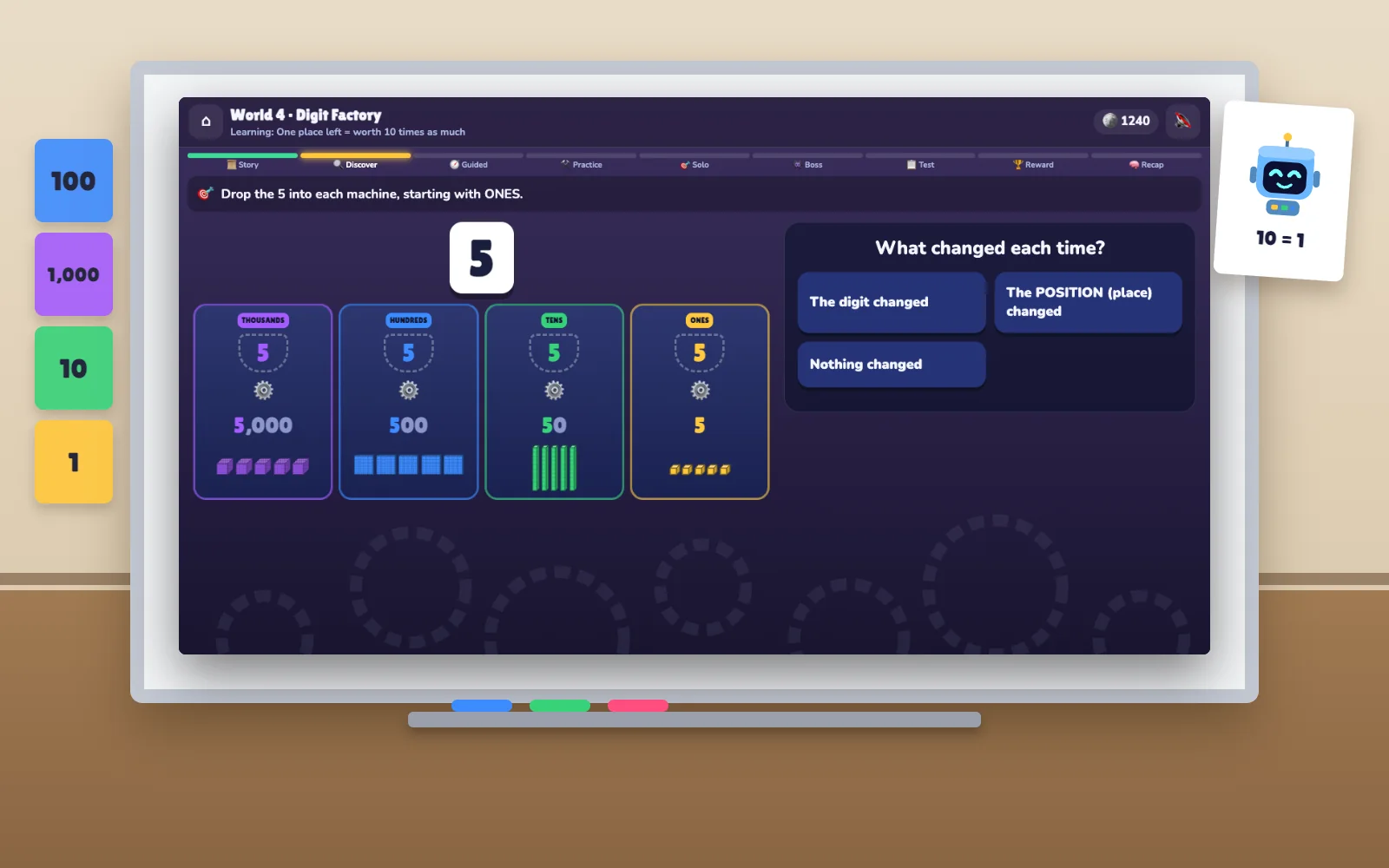
Why it fits a classroom
- Free, with no subscription and no paid tier.
- No student accounts and no personal data — open it in a browser and play. See the privacy policy.
- Works on an interactive whiteboard: everything is tap, drag and choose, with large targets and no typing.
- Visual representations the whole class can discuss — blocks, place-value boards, counters and number lines on the same screen.
Ways to use it
- Five-minute warm-up. Put the Digit Machine or a “which is correct?” question on the board and ask the class to vote before you tap.
- Stations or centres. One device per pair; each pair works through a world and explains its answers to the other.
- Targeted support. Pupils who stumble on zeros or on thousands can practise exactly that — the game adapts its questions to the skills a child finds hardest.
What it covers
- Ones Village — numbers are built; 10 ones make 1 ten
- Tens Forest — tens and ones, and trading
- Hundreds Castle — 10 tens make 1 hundred
- Digit Factory — a digit’s position sets its value
- Zero Caverns — three-digit numbers and zero as a place holder
- Thousands City — 10 hundreds make 1 thousand
- Trading Station — four-digit numbers and their zeros
- Space Station — ten thousands and beyond
- Number Vault — reasoning from clues
- Number Kingdom — everything together, up to six digits
Scope: the game covers concepts commonly taught to children aged about 7–10. It is not certified against any curriculum; check it against your own scheme of work. The approach behind it is described in the learning approach, and how the game teaches explains each activity.
More answers on the FAQ page.